LKF Marketing is the Most Enthusiastic Marketing Agency in Southwest Michigan

McConimore 2.0
(each block is separated by a 25px spacer) – the width of the content area is defined in the
100% width column
50% width column
50% width column
one-third width column
two-thirds width column
two-thirds width
one-third width column
one-third width column
one-third width column
one-third width column
25% width column
50% width column
25% width column
^ Separator
Below is a container group with a background image, an inset image and a text overlay dropped in. The nested blocks will fill the width of this container.

Group containing a Cover and Paragraph overlay

Row
This is another heading below the first column.
This is a paragraph below the header in the second column. The width of this column is determined by the content within the paragraph.
The row fits three columns total. This particular row has three columns and the content that I entered is filling the width equally without prompting it to do a 33:33:33 column.
Stack
By tapping the + within the stack, I’m able to group the heading and paragraph within a stack. This does feel like another way to skin the cat (which is a weird reference by the way). A stack seems to act like a column. According to Google, here is the difference: a stack block arranges blocks vertically, while a row block arranges blocks horizontally. Both blocks can be used to group blocks together and space them evenly. For example, you can use a row block to display a header with a logo and navigation links, or a stack block to create a sidebar with post categories.
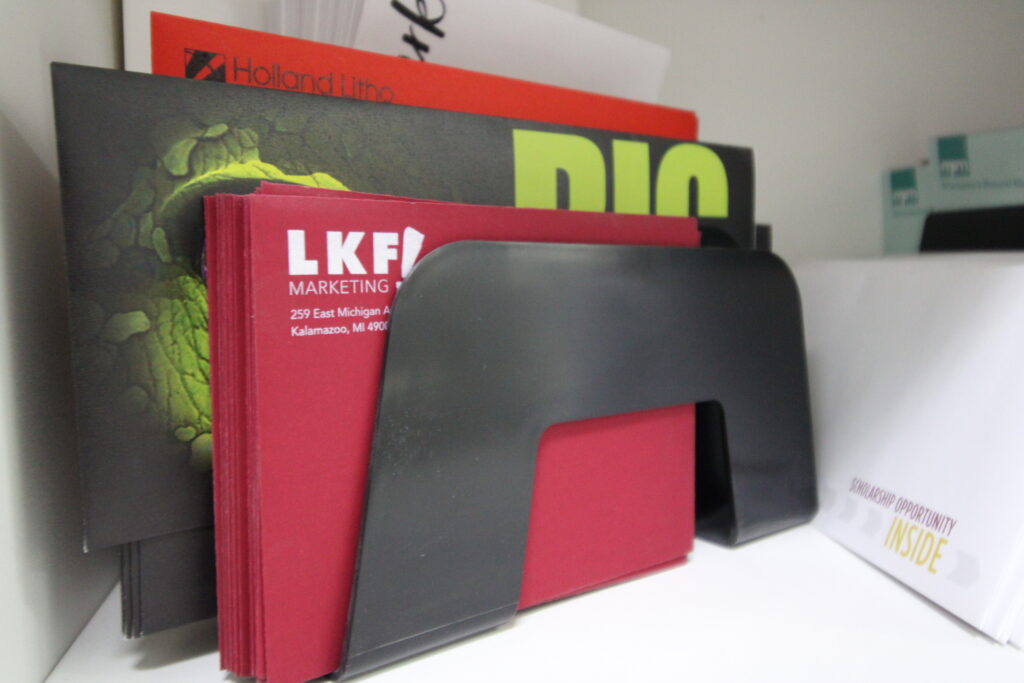
This image is displayed within the stack and this is the caption option within the image block – though you can opt to put the text over the image instead. When you put text over an image it becomes a cover.
Below is an image with a caption that was placed in a row as soon as I dropped in a spacer (which works vertically and horizontally).

Études is a pioneering firm that seamlessly merges creativity and functionality to redefine architectural excellence.